■ 참조 링크
https://help.sonatype.com/en/reset-the-admin-password.html
Reset the Admin Password
Sonatype Nexus Repository 3 includes a default 'admin' Administrator user account. In cases where this password is lost or the account is disabled or removed, the following steps explain how to restore the default admin user account and set the password to
help.sonatype.com
■ 작업순서
! 작업전에 기존 데이터가 삭제되거나 접속 안될 수 있으니, 백업 후 수행 권고
# step01. H2 Database Console 띄우기
▶ 설정 파일 추가 수정
파일위치 : $datadir/etc/nexus.properties
# 항목 및 값 추가
nexus.h2.httpListenerEnabled=true
nexus.h2.httpListenerPort=1234
▶ 서비스 재시작
PowerShell> Restart-Service -Name "SonatypeNexusRepository"또는 직접 service.msc 화면에서 "SonatypeNexusRepository" 서비스를 우클릭하여 재시작 수행
▶ console connect
http://localhost:1234

# step02. admin 계정 비번 초기화
▶ 기존 admin 계정 정보 확인
select * from security_user where id='admin';
▶ admin 계정의 비번을 admin123으로 변경
update security_user SET password='$shiro1$SHA-512$1024$NE+wqQq/TmjZMvfI7ENh/g==$V4yPw8T64UQ6GfJfxYq2hLsVrBY8D1v+bktfOxGdt4b/9BthpWPNUy/CBk6V9iA0nHpzYzJFWO8v/tZFtES8CA==', status='active' WHERE id='admin';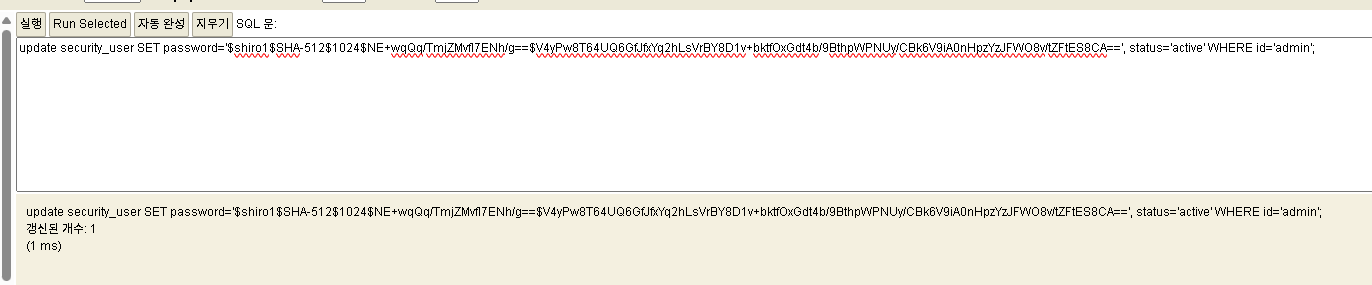
※ admin 계정이 없는 경우, security_user 테이블에 데이터 입력
insert into security_user (status, id, first_name, last_name, email, password) VALUES ('active', 'admin', 'admin', 'admin', 'admin@example.org', '$shiro1$SHA-512$1024$NE+wqQq/TmjZMvfI7ENh/g==$V4yPw8T64UQ6GfJfxYq2hLsVrBY8D1v+bktfOxGdt4b/9BthpWPNUy/CBk6V9iA0nHpzYzJFWO8v/tZFtES8CA==');
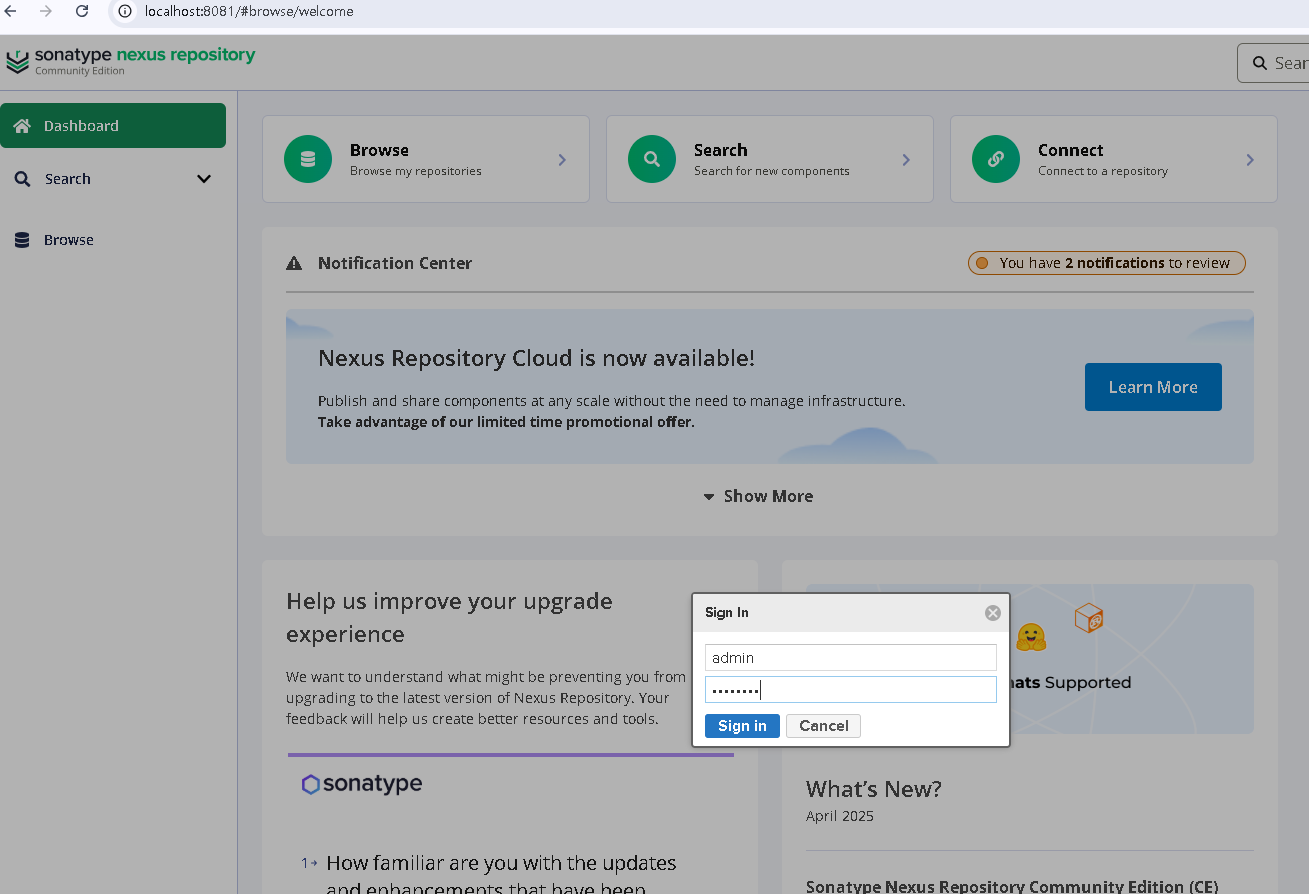
# step03. 넥서스 포털 admin 계정 로그인 및 비번 변경
admin 계정은 위에서 설정한 admin123 으로 로그인 수행
'Windows > Win11' 카테고리의 다른 글
| IP정보로 PC 팝업창으로 메세지 보내기 (0) | 2026.01.05 |
|---|---|
| 윈도우11 라이선스 확인 방법 (0) | 2025.12.19 |
| [Sonartype/Nexus] 넥서스 repository 저장소 구축 (0) | 2025.09.19 |